Features
Signal Subscriptions
Follow a trader and choose how their trades reach your account.
Subscribe to a trader to receive their trade signals. Each subscription has its own settings, so you decide how those signals are executed in your own brokerage account.
How it works
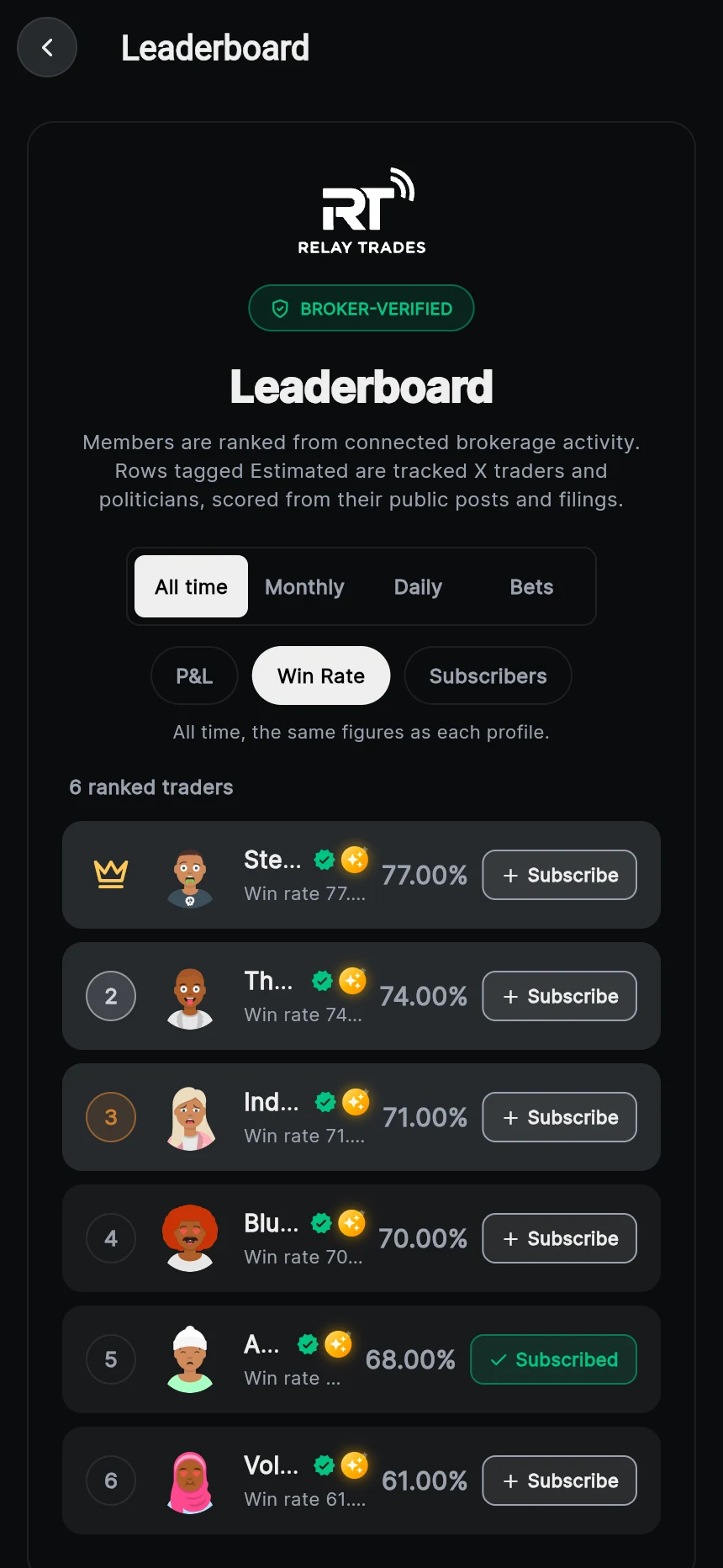
- Find a trader on the leaderboard or in Discover and open their profile to see their broker-verified record.
- Subscribe, then pick the connected brokerage account you want their trades copied into.
- Set your controls for that trader: automatic or manual approval, order type, max size, match trader size and time window.
- When the trader buys or sells in their own broker account, a signal is created and handled with your settings.
Follow vs subscribe
Following a trader is free and shows their posts in your feed. Subscribing is what copies their trades into your account. You can follow without subscribing.
Settings per trader
Every subscription keeps its own configuration. You can copy one trader automatically with a small max size and approve another trader manually, from the same account or from different accounts.
You can change a subscription’s settings at any time, switch it off with its toggle, remove it, or stop all copying at once with the kill switch.
What gets copied
- Stock and option buys, sized with your limits.
- Sells and closes, so when the trader exits, your copy exits too.
- Only trades made after you subscribe. Positions the trader already held are not bought for you.
Questions
More features
RelayTrades is automation software, not a broker-dealer or registered investment adviser. Every account is connected by its owner and stays at its own broker; we never hold money. Nothing here is a recommendation to buy or sell any security. Trading options carries substantial risk and past results do not predict future results.